Your workspace
Reference Library
- All
- Cast
- Products
- Services
- Logos


LoveMyBrand connector
Create logos, campaigns, illustrations, images and video from the AI chat you already use. Your brand, products and cast come with you through one secure MCP connection.
 LoveMyBrand connected
 @ Brand kit
 @ Lisa
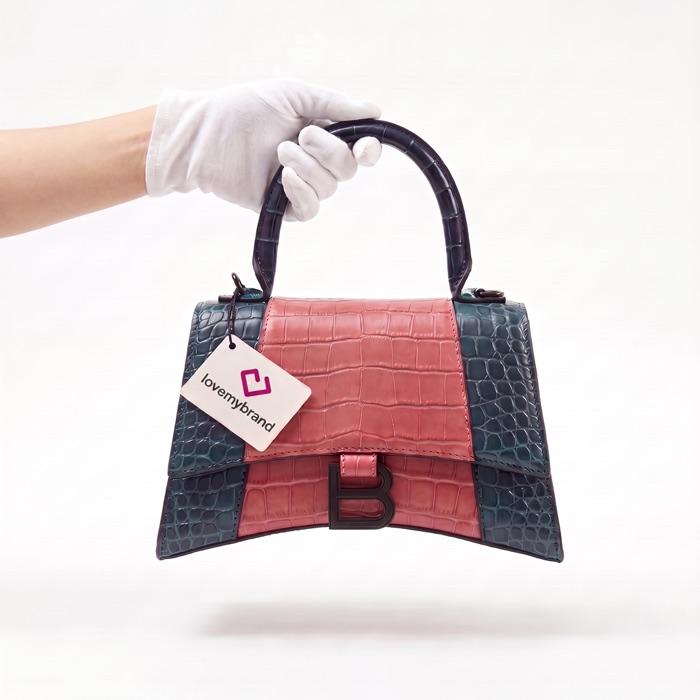
 @ HandbagDesign our launch campaign — use @Brand kit, @Lisa and @Handbag, and add a short product film.
Using LoveMyBrand: studio_create
Done — a brand-safe logo variation, the launch visual with Lisa, and a 5-second product film. All three are saved to your Library.


Studio references
Mention Cast, Products, Services, Logos and presets with @ references. LoveMyBrand keeps them available while you create across compatible chats.
Your workspace
LoveMyBrand connected
You
Use @Lisa, @Handbag and @Brand kit to build the launch. Apply “Slow push in” to the product reveal.
LoveMyBrand
All references are attached. I’ll keep the cast, product and visual system consistent across every format.
Choose your client
The endpoint stays the same. Select where you chat to see the setup that fits that client.
MCP client
Claude setup
Remote custom connectors are available on eligible Claude plans. Team and Enterprise organizations may require an Owner to add the connector first.
In Claude, open Settings, then Connectors. On Team or Enterprise, Owners use the Organization connectors view.
Choose Add custom connector, name it LoveMyBrand, and paste the remote MCP URL shown here.
Choose Connect, complete LoveMyBrand OAuth, then enable the tools you want to use in the conversation.
Real tools, not a demo
Sixteen tools cover creation, brand context, campaign thinking and account actions. Generation spends the same LoveMyBrand credits as Studio; research and planning tools are free.
4 tools
Generate logos and campaign assets, refine still designs, and turn a brief or existing session into motion.
design_logostudio_createanimate_design3 tools
Read saved brand kits and systems, then save an approved result back to the account.
my_brand_kitssave_brand_kitmy_brand_systems5 tools
Collect real visual references, plan storyboards, research a market, and build multi-channel campaign plans.
visual_researchplan_storyboardcreate_campaign4 tools
Check credits, open a secure top-up, browse designers, or compare contest packages.
my_creditsfind_designerscontest_packagesSecurity and permissions
You sign in on LoveMyBrand without giving the chat client your password.
Review the discovered tools and requested actions in your client before you use them.
Disconnect LoveMyBrand in your MCP client when you no longer want it connected.
One connection. Sixteen tools.
Choose a compatible MCP client, sign in with OAuth, and start with the work you already need.