Edit your logo design brief
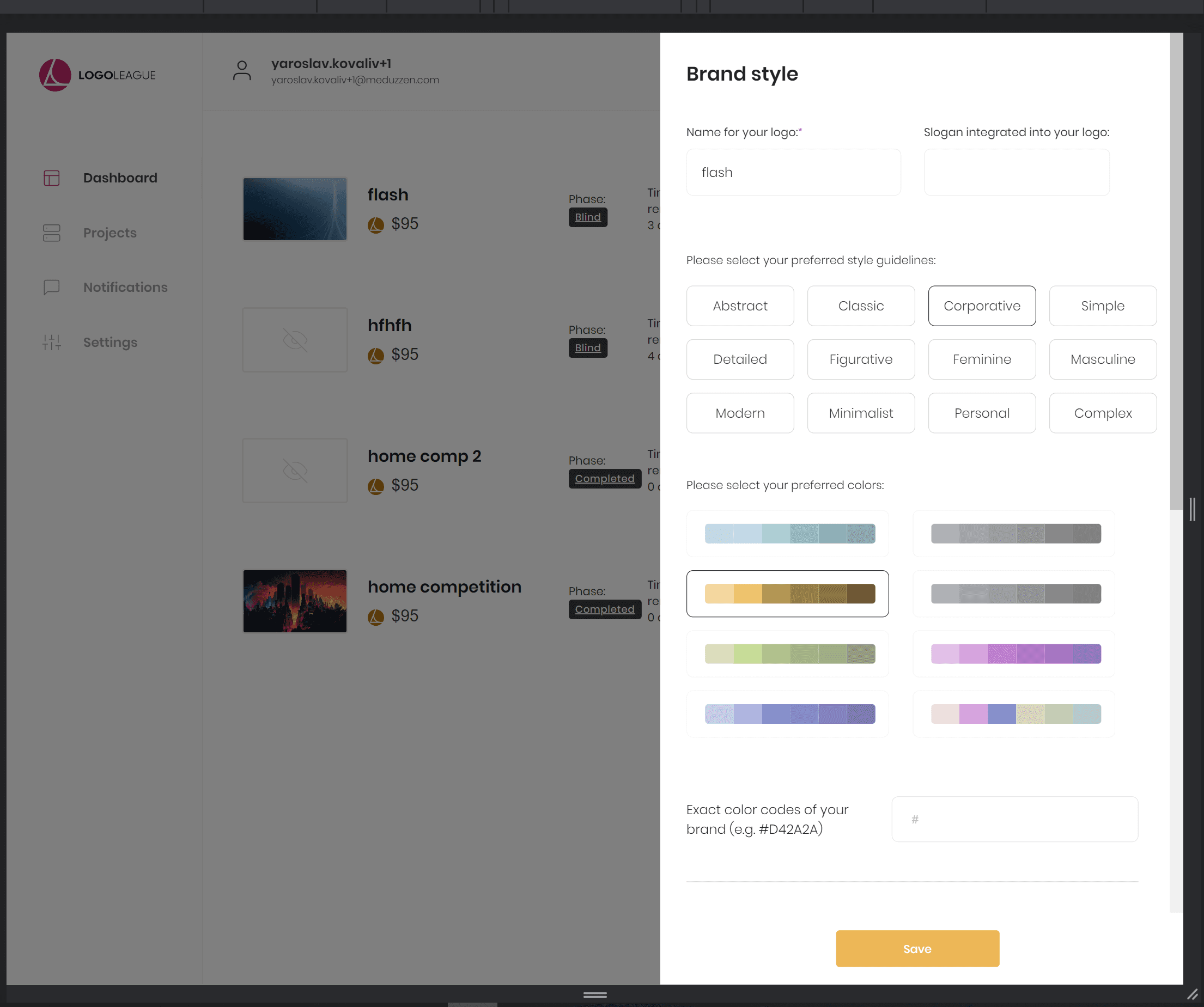
You can edit your logo before launching the logo design contest up to the end of the "Draft Phase". Please go to the dashboard where you will find a direct button that will take you to your brief.


After that the contest is launched you can still edit the brief. This is possible up to the finalist phase. By clicking 'Edit brief' on your dashboard, you will see a modal window on the right side of your screen where you can change the details.
You can also delete a draft if you do not need it anymore. This way you can keep your Dashboard organized.
WhatsApp Support