Disqualify a design
During the raking of the designs, you may want to indicate that a design has no opportunity to win and/or you do not want to spend time on it. You can disqualify the design from the contest.
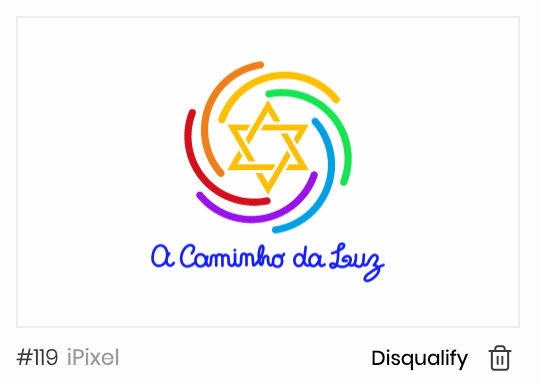
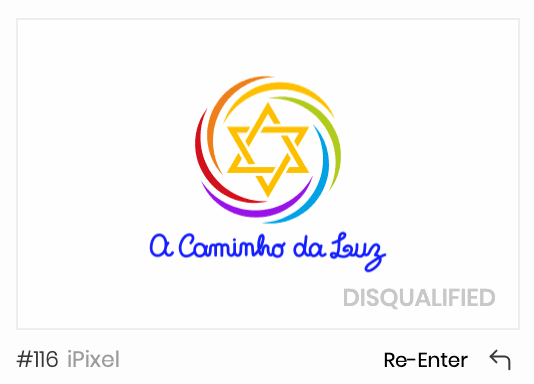
Mouse over the bucket icon, and then click on the text 'disqualify' under the design to disqualify it. A small badge will appear that informs you that the design is disqualified. After, you also have the possibility to re-enter the design if appropriate.
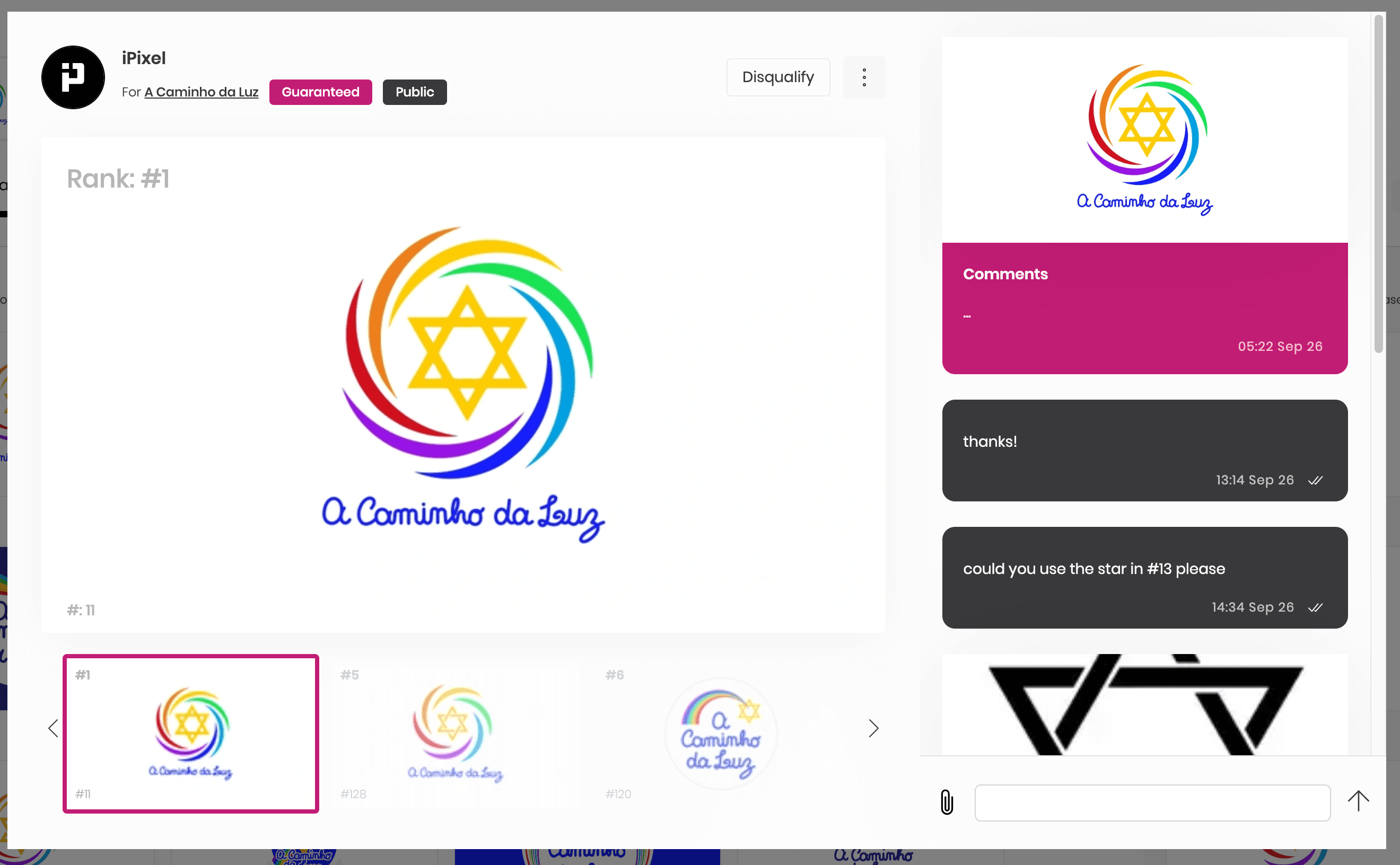
You can also disqualify and re-enter a design from the modal window.
WhatsApp Support