Adding a new design
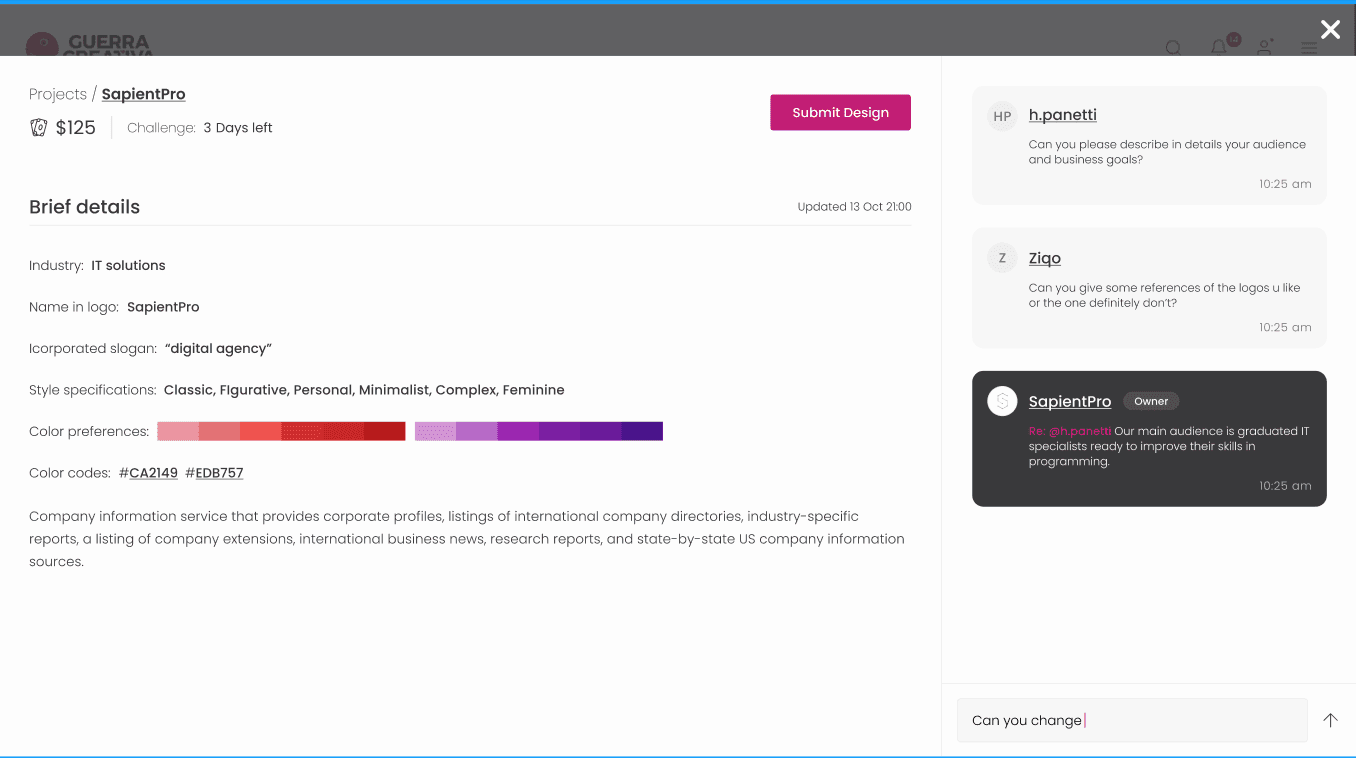
After you review the contests listed and select one to compete in, you will study the brief of the logo design and you will see a red button at the top called 'submit design'. This is where you will upload and submit your design draft to the client. The design you submit should be a PNG file with a 1:1 aspect ratio. Example 1000 by 1000 pixels.
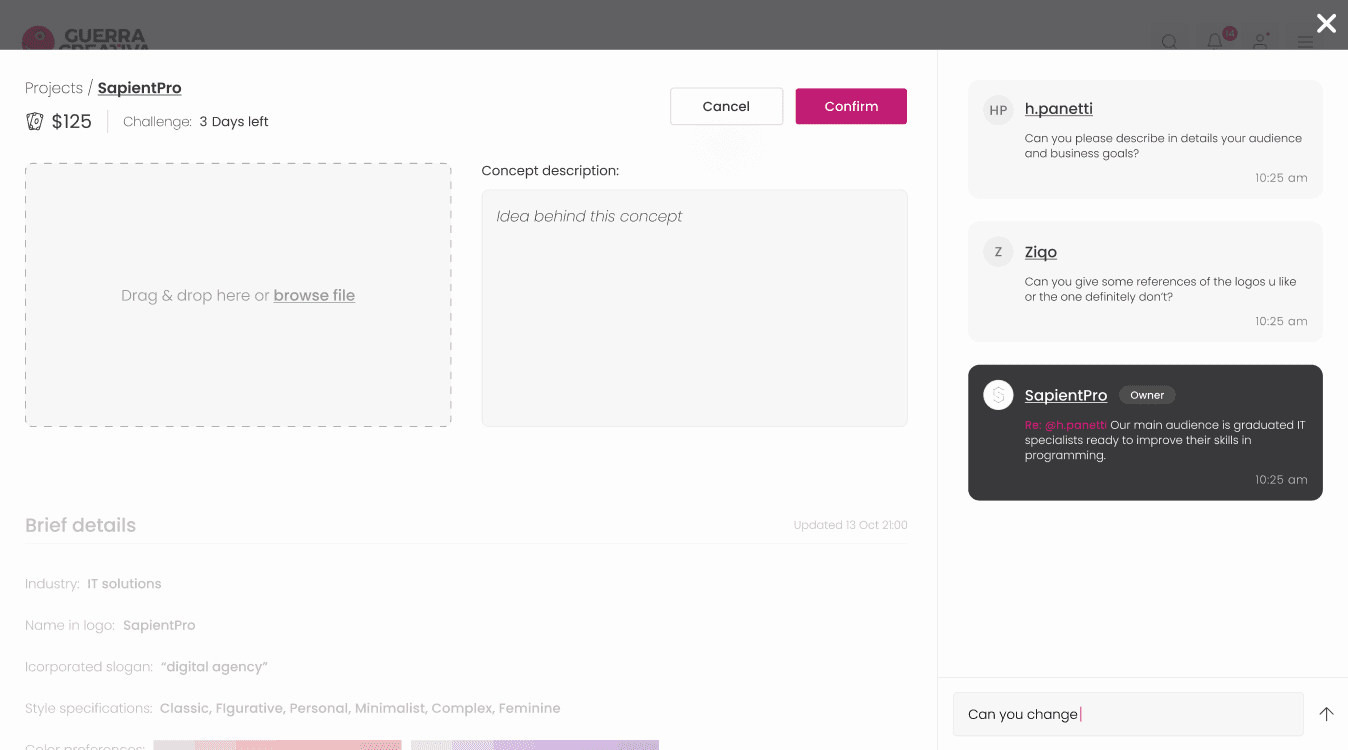
The button 'Submit design' will take you to the next module window where you can 'drag & drop' a design on the left and describe the concept on the right. You can then press the 'confirm' button to upload it to the contest.

WhatsApp Support