Creative Studio
Create brand images and video in one AI design studio.
Describe the work you need, bring your references and develop the result on a shared canvas. LoveMyBrand connects image generation, video creation and editing with the brand context behind your brief.
Build a product shoot, explore a campaign direction or prepare a social visual. You can start with an idea or continue from an existing image, without having to write a perfect prompt first.
A brief, a direction, then the details
Bring the brief
Tell Studio what you are making and where it will appear. Add your product, brand kit or visual references to establish the direction.
Explore and refine
Generate a first direction, compare it with your brief and describe the changes. Use touch editing for feedback on a specific part of an image.
Keep building
Save the work, return to the session and use approved assets in the next design or campaign. Review your final export for its intended format.
Interactive example
See the workflow, step by step.
Explore existing creative examples. These controls do not generate content, publish posts or start ad spend.

Start with the product you want to show.
A clear reference gives the creative work a concrete starting point. Add your own product image and explain where the visual will appear.
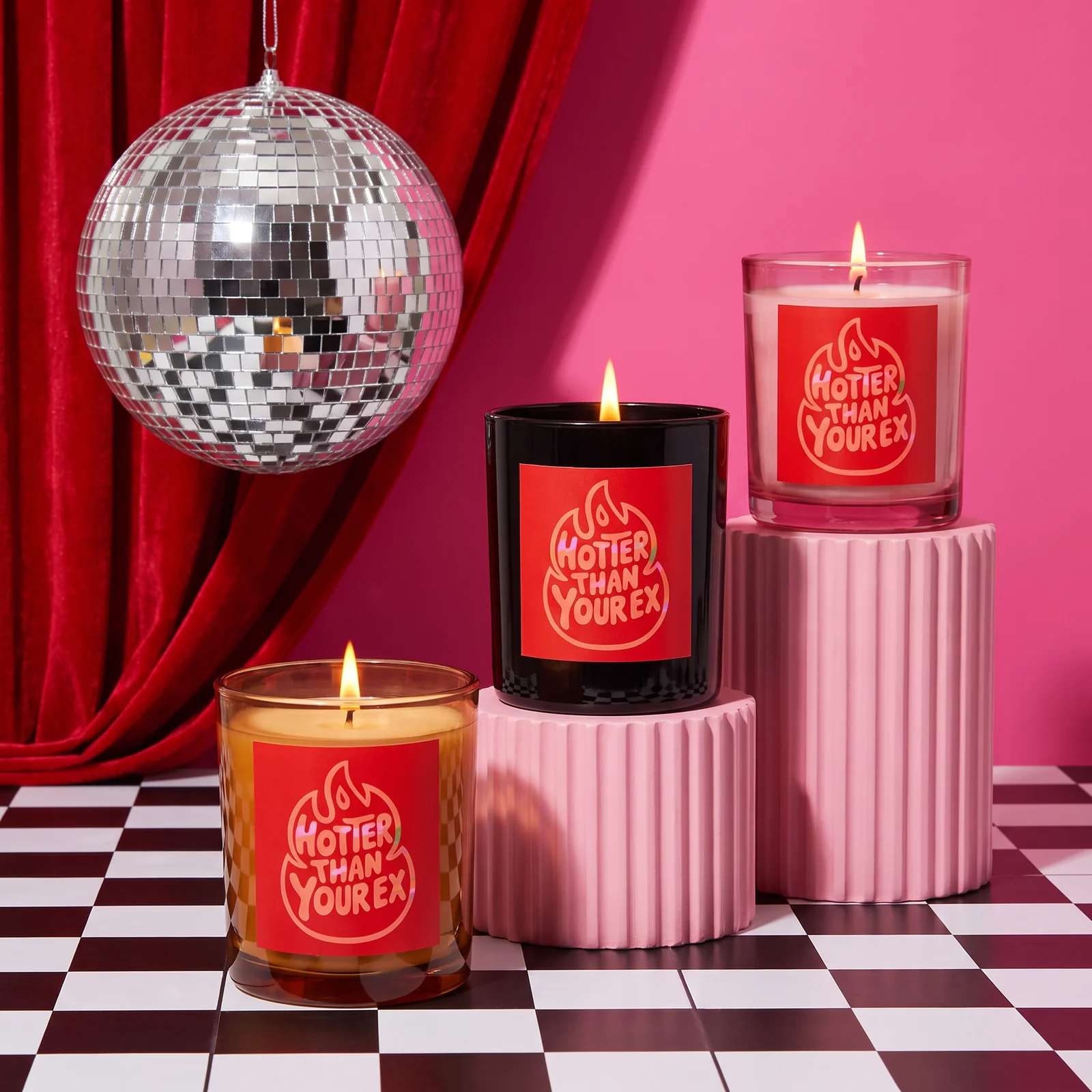
Create a social campaign image using this product. Leave space for a short headline and keep its label as close to the reference as possible.
Create images around your product
Use reference images to guide a product shoot, an illustration or a social campaign. Keep the subject and your brand direction in the conversation while exploring backgrounds, compositions and visual styles. Different models support different kinds of references and edits; Studio presents the available controls for the model you choose.
Give precise feedback on the canvas
Point to the part you want to change instead of describing its position from scratch. Touch editing, text changes, background removal, outpainting and upscaling help you develop an image after the first generation. Work through the details and inspect the result, especially product features and text that must match your original assets.
Bring a visual idea into motion
Plan a short product film, an animated ad or a launch video, then use your images and brief to guide generation. Choose supported duration, format and audio settings before creating. Image and video models use credits at different rates, so review the displayed cost when choosing the approach that fits your project.
Before you start
A few useful answers.
Do I need to know how to write AI prompts?
No. Start with a plain description of what you want to make. Studio helps develop the brief, and you can refine the result with written feedback or by pointing to changes on the canvas.
Can I use my own product images?
Yes. Add your images as references for supported generation and editing workflows. Review the output carefully when exact product details, labels or packaging need to be preserved.
Can I generate both images and videos?
Yes. Studio offers image and video models with different capabilities. Available settings depend on the selected model, and the interface shows the supported options.
How do generation credits work?
Generations spend credits according to the model and settings. Check the displayed cost before creating and the pricing page for current plans and model rates.